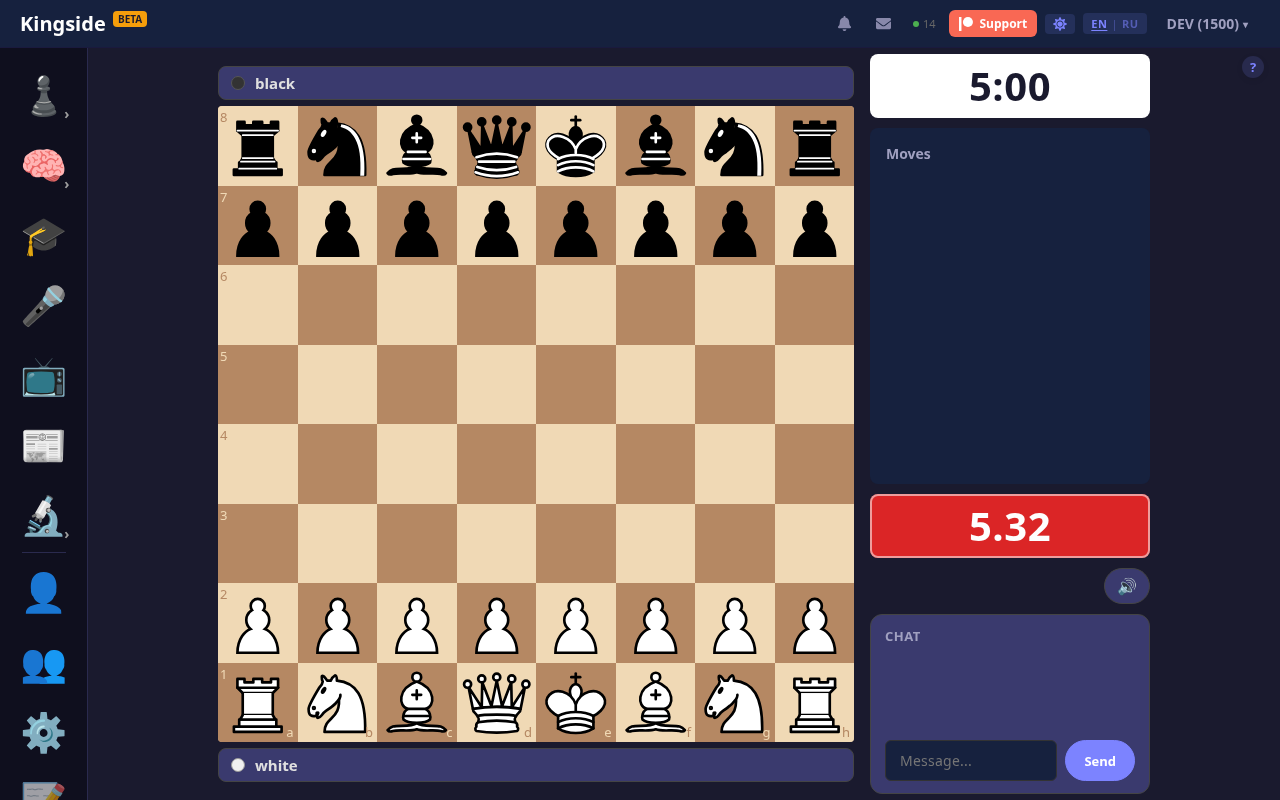
We keep improving Kingside game clocks. After moving them to the sidebar and highlighting the active side, we now help when the time runs short — by colour, a ticking sound and finer time resolution.

What changed
While there is plenty of time, the active side glows green and the clock shows minutes and seconds, as before. As you approach the time-trouble zone, two more states kick in:
- Low — the clock turns amber and starts showing tenths of a second. Your own clock also ticks once per second.
- Critical — the clock turns red, gains a soft pulse and shows hundredths of a second. The tick doubles to twice per second.


The thresholds depend on the time control: roughly 10% of the starting time for low, 2.5% for critical, with sensible upper and lower limits. Bullet, blitz, rapid and classical each get cues that match their pace.
Where it works
The new behaviour is on in live games and against the local bot. On broadcasts the colour and the decimals work, but the ticking is off by default — viewers usually watch several boards at once, and metronomes would overlap.
Accessibility and sound
If your system is set to reduce motion (macOS, iOS or Windows option), the pulse animation is disabled — the colour change stays.

The tick is synthesised through WebAudio in the same style as other Kingside sounds (standard / wood / minimal / eightbit) — no extra files to download.
How to use it
Nothing to switch on. Start a game — when the time gets short, the clock will take care of the rest.
Comments (0)
Loading comments…